WooCommerce filter plugin for Bricks Builder
A native WooCommerce product filter element for Bricks Builder
4 official Bricks elements, filtering in the browser, and a Structure Only mode that works with Automatic.css. No AJAX reload, and no fight with your Bricks Query Loop.
- No credit card required
- 4 native elements in the Bricks panel
- 30-day money-back guarantee
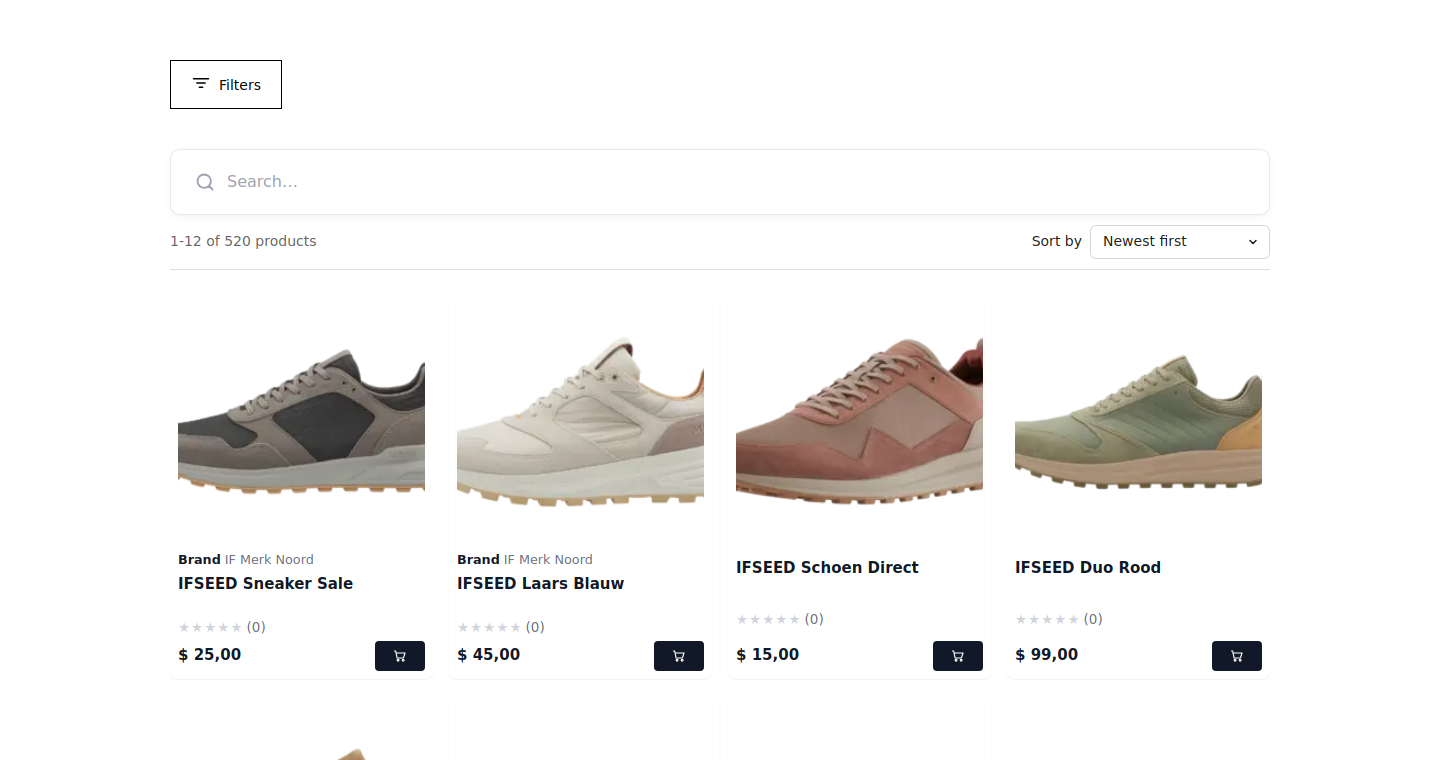
Why do WooCommerce filters feel slow in Bricks?
InstantFilter separates content from rendering
Implementation
4 native elements, in the Bricks panel
No shortcode required. Shortcodes stay available if you want them.
IF — Sidebar + Grid
IF — Grid, filter sidebar and single filter
Structure Only for ACSS
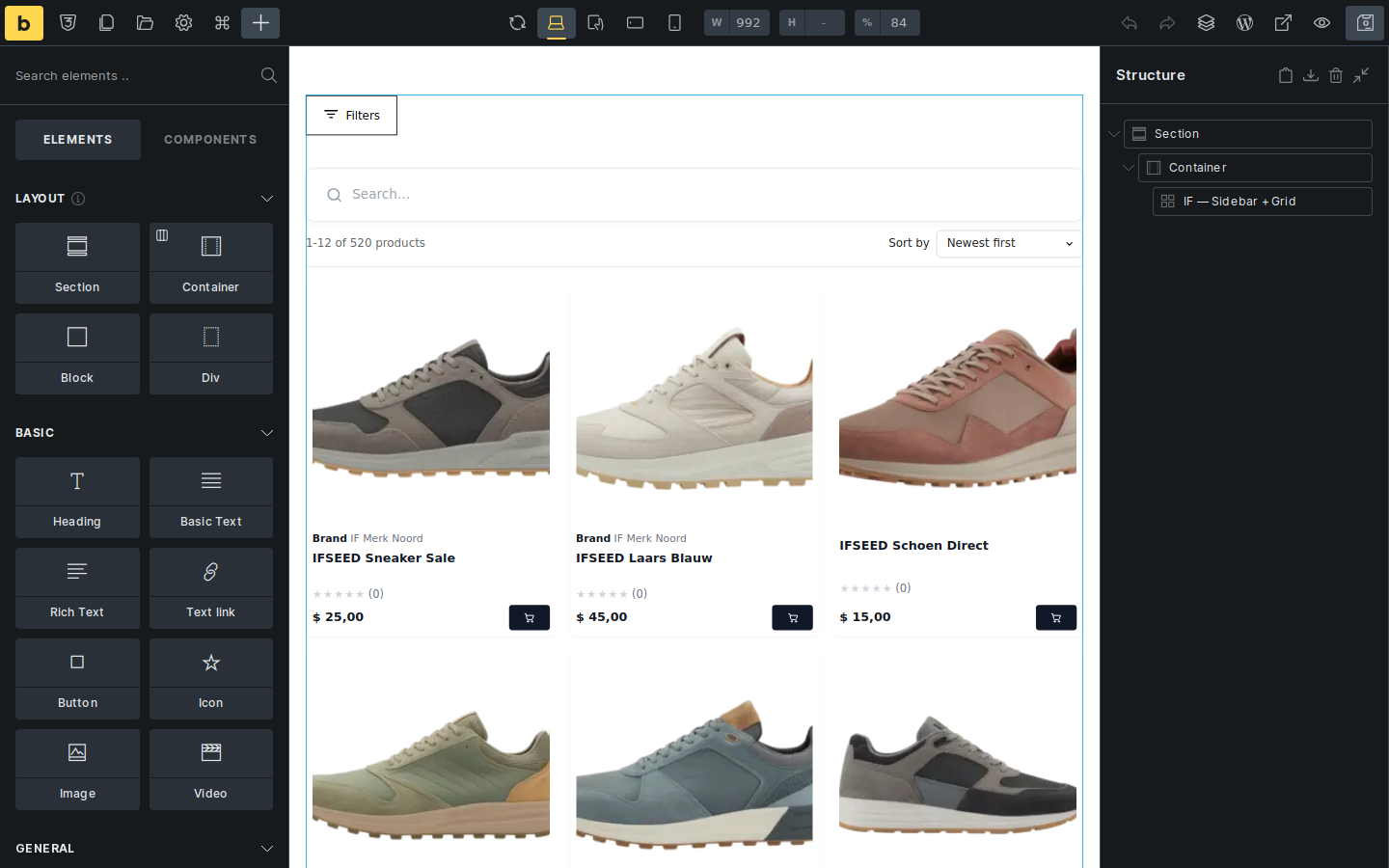
A category archive in Bricks, in a few minutes
Create an Archive template
Drag in the InstantFilter element
Set per page and the style mode
Bricks Query Loop + AJAX vs InstantFilter
5,000 SKUs, side by side
| Indicator at 5,000 SKUs | Bricks + InstantFilter | Query Loop + AJAX filter |
|---|---|---|
| Speed per click | 1.5–5 ms (0ms feel) | 850–1,800 ms |
| Server load, 50 concurrent shoppers | 0% extra CPU | 100% CPU peak |
| Interaction to Next Paint (INP) | 14 ms (excellent) | 420 ms (poor) |
| Page cache | 100% statically cached | Every filter click misses the cache |
| Setup in Bricks | 4 native elements in the panel | Manual query parameters and AJAX |
| ACSS / Theme Styles | Structure Only mode | Needs heavy CSS overrides |
Is InstantFilter right for your build?
Why developers choose it
Recommended- Real native elements — no shortcodes or snippets to maintain.
- A response time that matches the reason you picked Bricks.
- Structure Only: ACSS and Bricks Global Styles work immediately.
Keep in mind
- WooCommerce products only — not custom post types such as listings or blogs.
- On first install, InstantFilter builds its index in the background. That takes seconds to minutes, depending on the catalog.
Early-bird pricing
Lock in your price. Billed yearly, with 2 months free.
Billed yearly
For small WooCommerce stores up to 2,500 products.
- Max 1 website
- Up to 2,500 products
- Frontend JSON filtering
- Style builder (card, grid & sidebar)
- Standard support
For growing shops up to 25,000 products and variations.
- Max 5 websites
- Up to 25,000 products
- Frontend JSON filtering
- Style builder (card, grid & sidebar)
- Priority support
For agencies and large catalogs, up to 50 websites.
- Max 50 websites
- 50K optimization
- CLI Indexer (early access)
- Style builder (card, grid & sidebar)
- Dedicated support
30-day money-back guarantee on every paid license. Not happy after you buy? Full refund, no questions asked.
Frequently asked questions
The fastest filter in Bricks Builder
Install InstantFilter on staging and filter in the browser, natively in Bricks.
No credit card required.
- No credit card required
- 30-day money-back guarantee
- Dedicated support